

Deploy Apps to Production
Move from development to production seamlessly. No environment drift, no missing dependencies, no surprises.
Get Startedin the Dataflow app
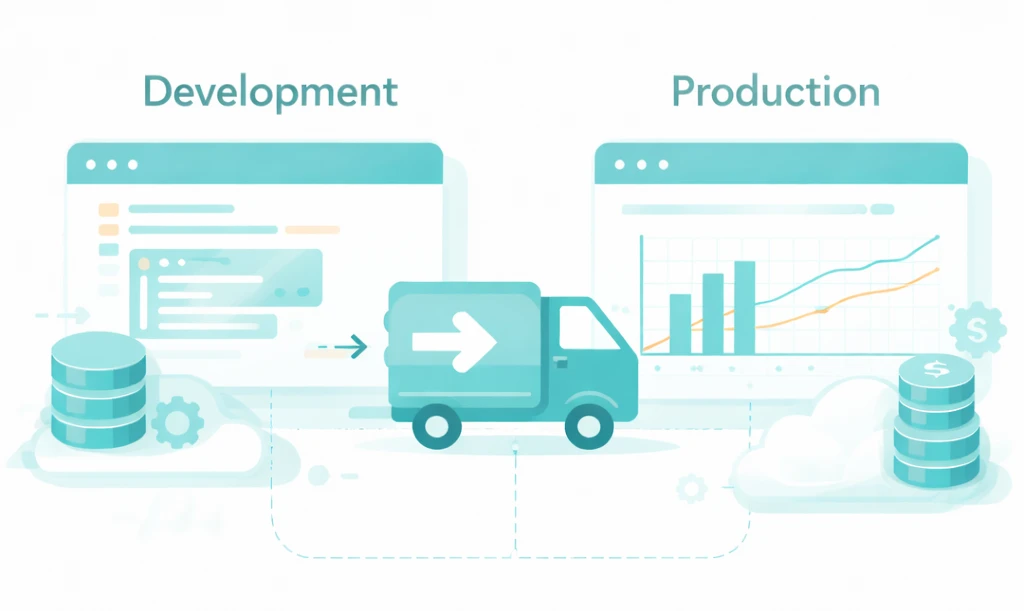
From Development to Production, Instantly
Deploying applications shouldn't require rebuilding environments, rewriting configurations, or debugging version mismatches. With Dataflow, what you develop is exactly what runs in production.
Deploy an AppOne-Click Deployment
Push your application to production with a single click. No manual steps, no deployment scripts.
Instant Sharing
Once deployed, share applications with your team or customers instantly via a secure URL.
Zero Environment Drift
The environment you used in development is the exact same one running in production. Byte-for-byte identical.
Auto-Scaling
Production apps automatically scale based on demand. No manual capacity planning required.
Production Parity by Design
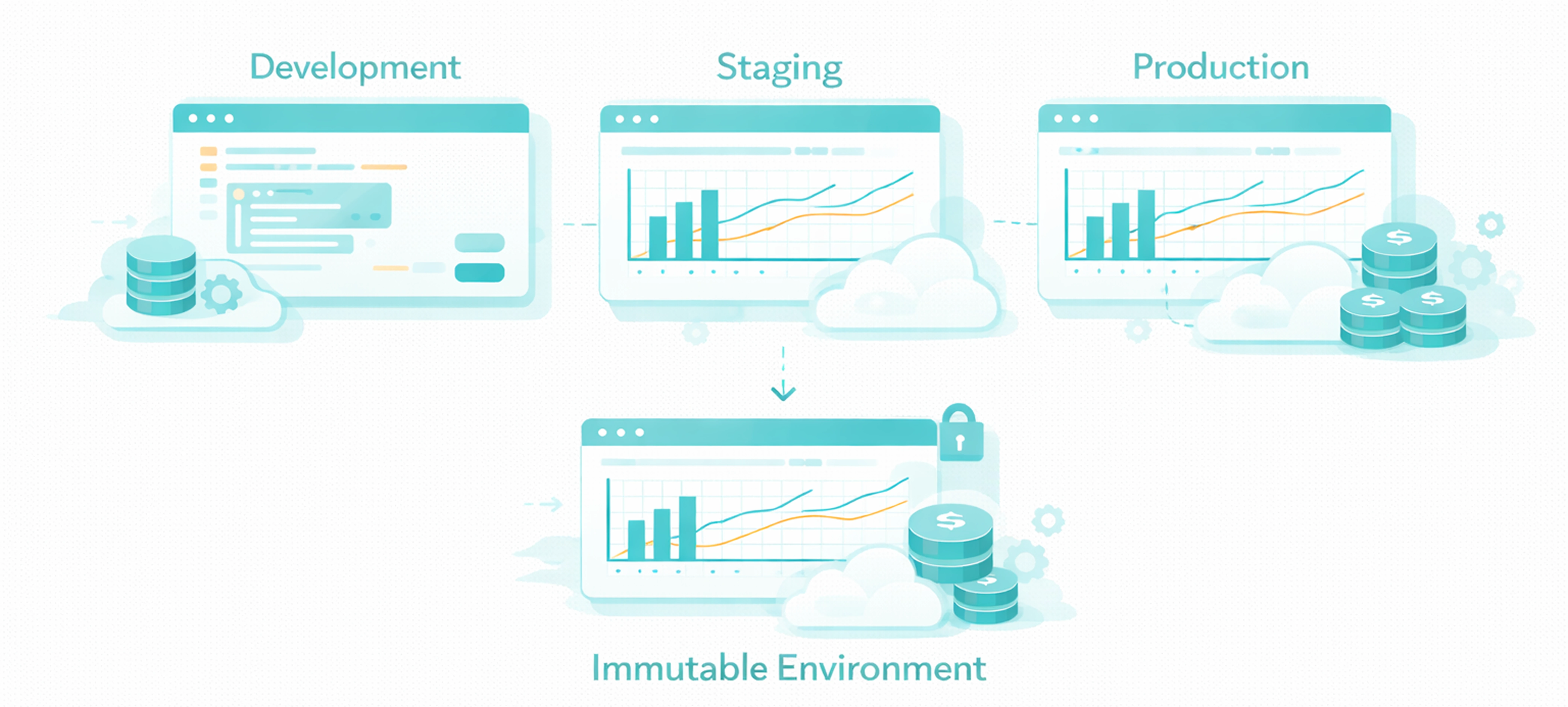
Traditional workflows have separate environments for development, staging, and production. This creates drift, bugs, and debugging nightmares. Dataflow eliminates that by using the same immutable environment everywhere.
Traditional Deployment vs. Dataflow
Traditional Deployment
Dataflow
Rebuild Environments:
Build separate Docker images for dev and production. Hope dependencies match.
Same Environment:
Development environment is the production environment. Zero rebuild required.
Manually Configure Secrets:
Set environment variables in Kubernetes, update .env files, manage AWS Secrets Manager.
Auto-Configured:
Secrets are centrally managed and automatically injected into production apps.
Write Deployment Scripts:
CI/CD YAML files, Terraform configs, and custom deployment scripts.
One-Click Deploy:
Click deploy. Dataflow handles the rest.
Manual Scaling:
Set up load balancers, configure autoscaling groups, monitor capacity.
Auto-Scaling:
Apps automatically scale based on traffic. No configuration needed.
Secrets and Connections, Managed Automatically
In traditional deployments, you have to manually configure production credentials, update environment variables, and ensure secrets don't leak into logs. Dataflow handles this for you.
Environment-Specific Secrets
Define separate credentials for dev, staging, and production. Apps automatically use the correct ones based on environment.
Secure by Default
Production secrets are encrypted at rest and in transit. Never exposed in code or logs.
Audit Logs
Full audit trail of who accessed which secret and when. Built for compliance.
No Manual Configuration
Secrets configured in the platform are automatically available to deployed applications. No .env files to manage.